Treatments · Five steps

How to Build a Music Video Treatment on Frame Set

From the first reference to the link you send the artist, in five steps.

Free to start. No card required.

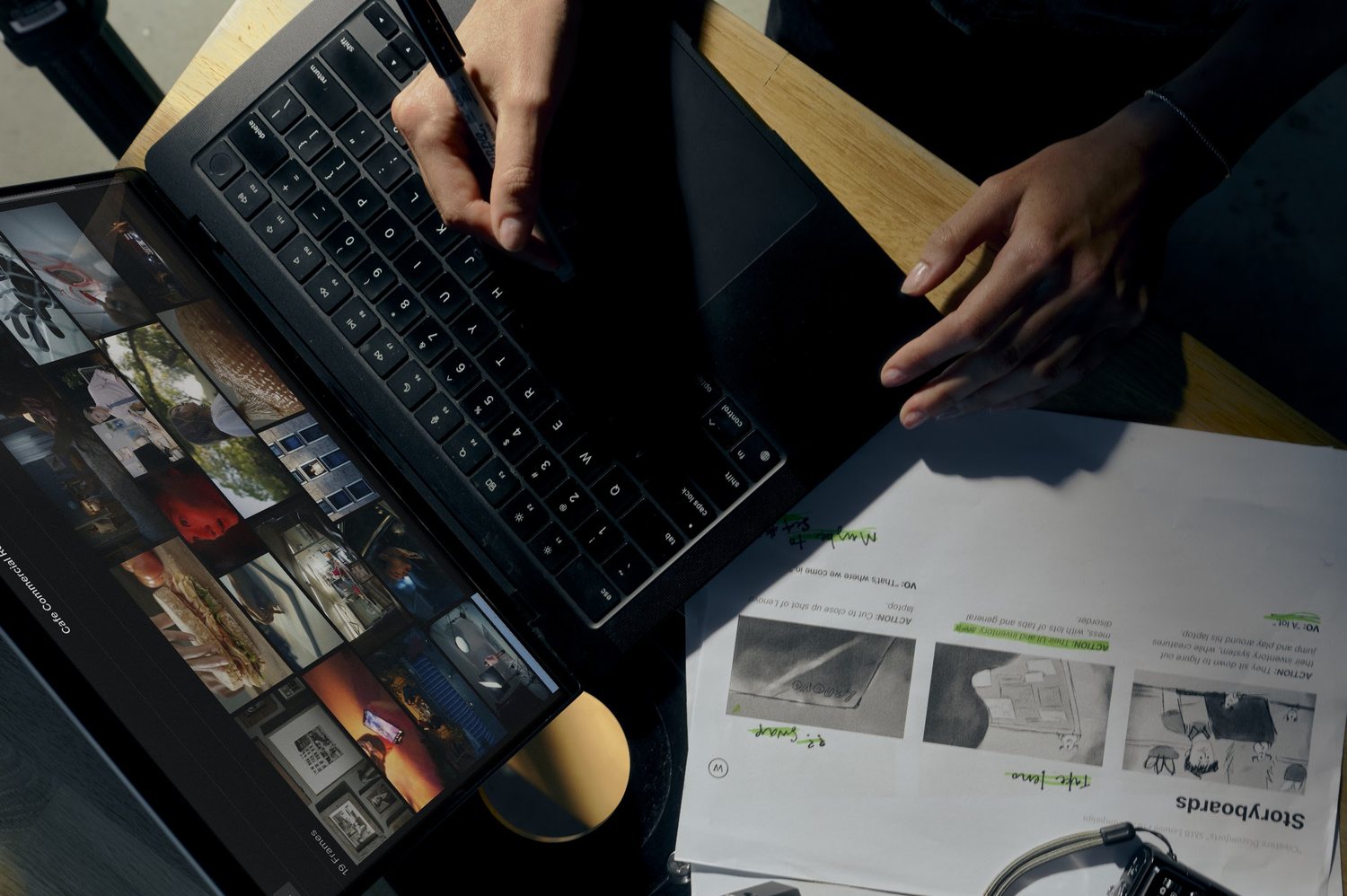
Hands typing on a laptop running Frame Set, with printed storyboard pages spread across the desk
01
The process · 01

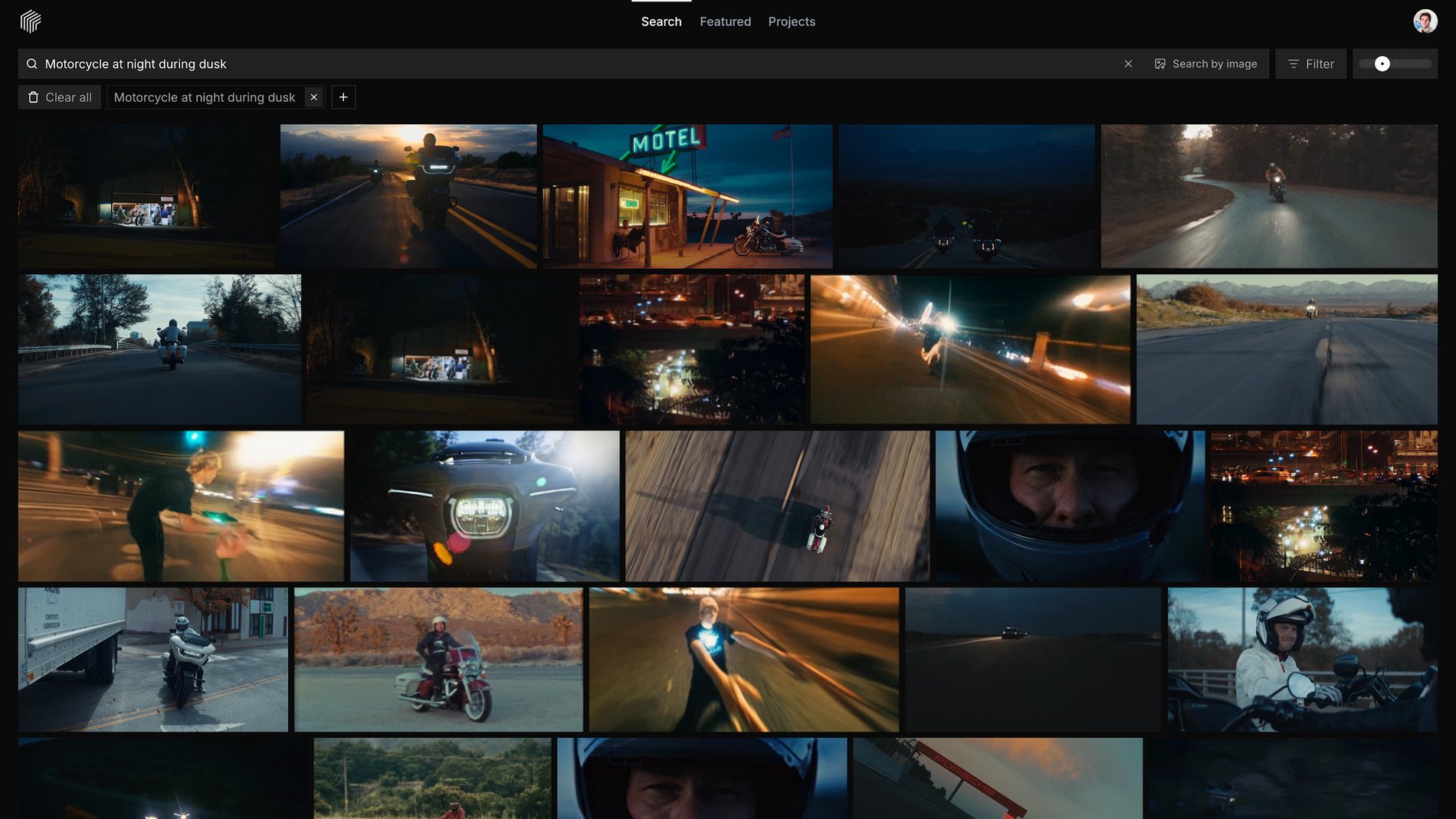
Search the look

Describe the shot the way you’d say it on set, or drop in a reference image. Try neon car interior at night, slow push in.
frameset.app
Frame Set search results for the query Motorcycle at night during dusk, a grid of licensed Frames and Motions
02
02

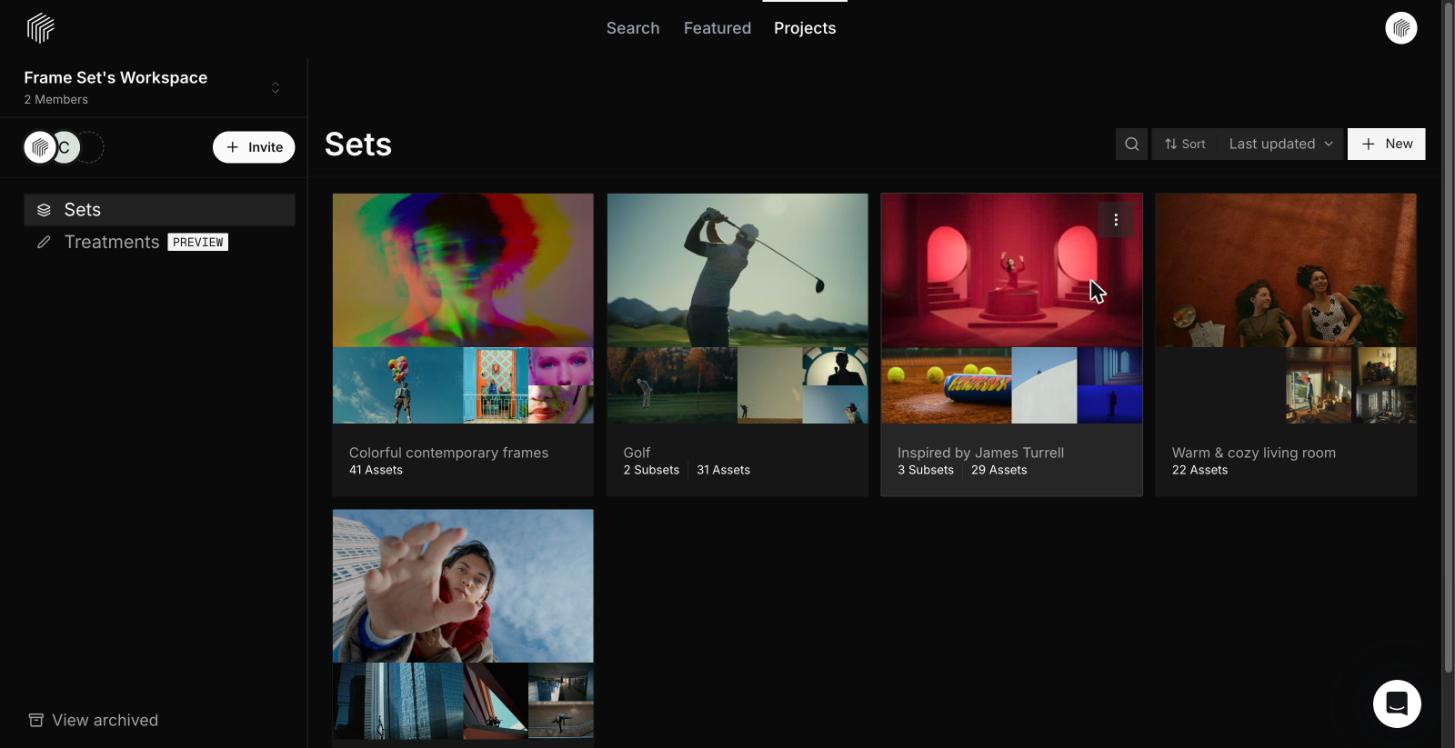
Save to a Set

One Set per section of the video: performance, story, wardrobe, lighting.
frameset.app
The Sets list in a Frame Set Workspace, showing several Sets with their cover Frames and Asset counts
03
03

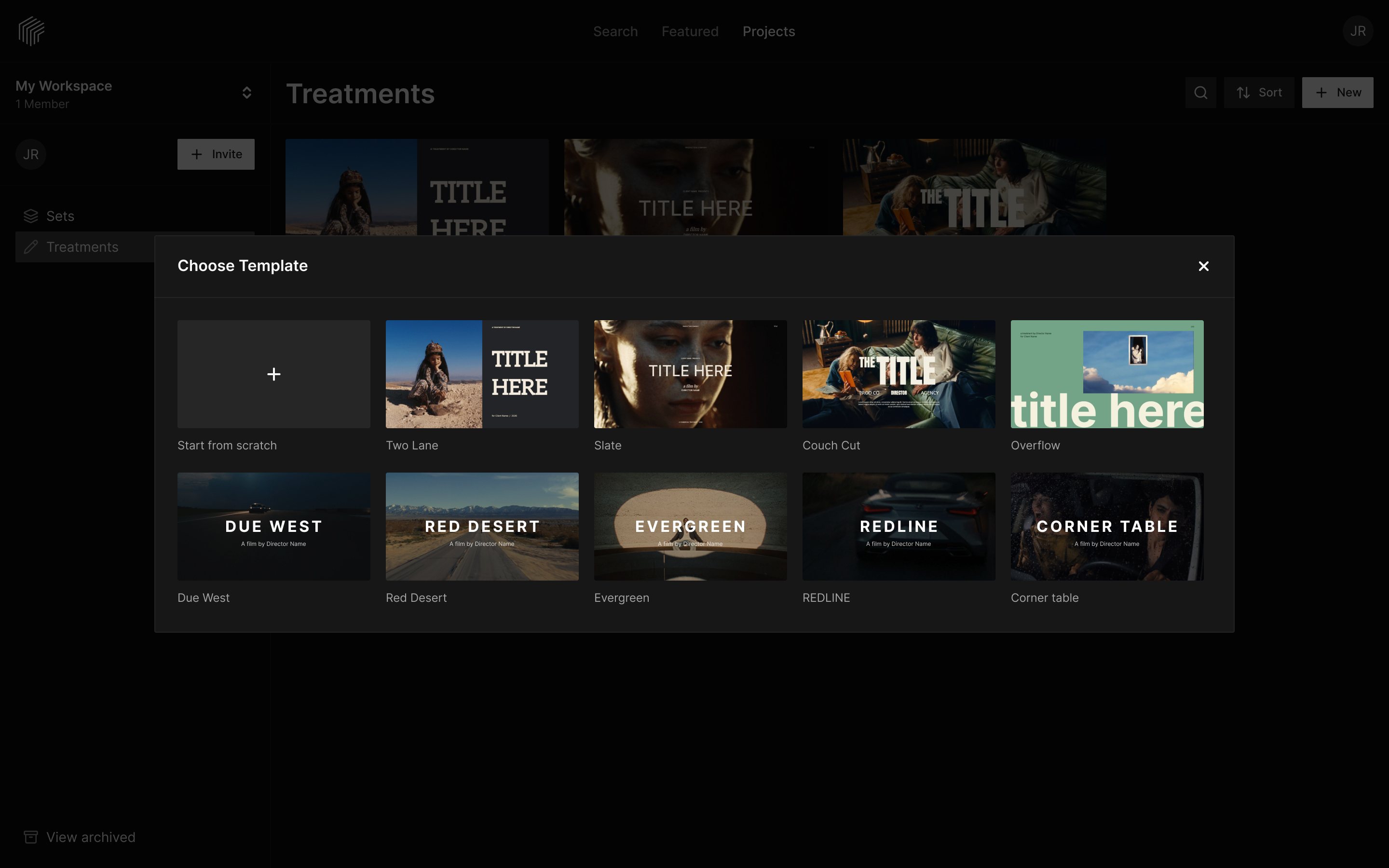
Start from a Template

Pick a Treatment Template instead of a blank page.

frameset.app
The Choose Template dialog in Frame Set with a Start from scratch option and nine Treatment Templates: Two Lane, Slate, Couch Cut, Overflow, Due West, Red Desert, Evergreen, Redline and Corner table
04
04

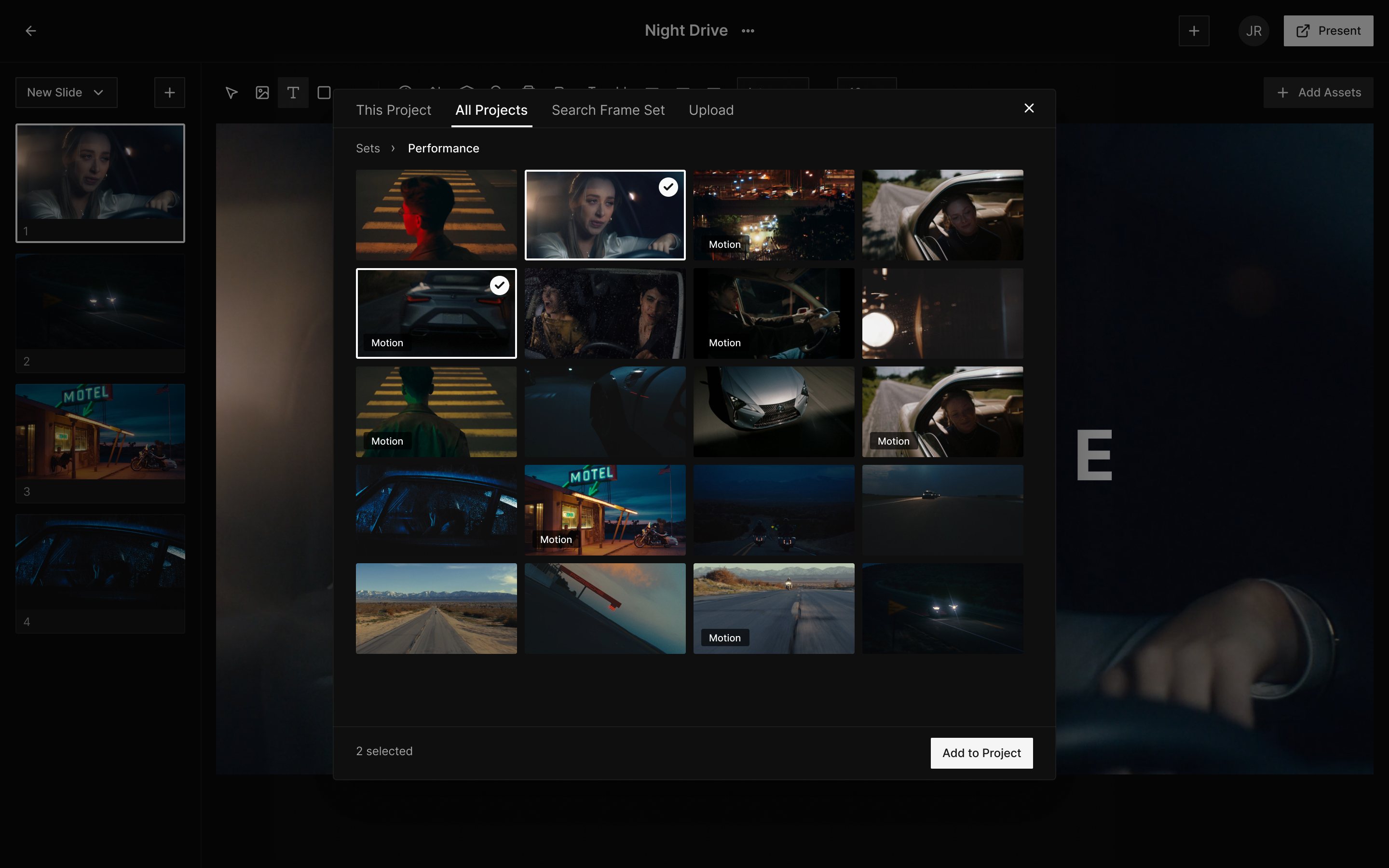
Add your references

Open Add Assets and pull Frames and Motions from your Sets. Motions play in the Treatment.
frameset.app
The Add Assets panel open in the Frame Set Treatment editor on the All Projects tab, showing a Set called Performance with licensed Frames and Motions, two selectedAdd to Project
05
05

Send it to the artist

Share a link that plays, or present it as a PDF.

frameset.app
The Present this Treatment dialog in Frame Set with a public share link, Download PDF and Download HTML buttons, and the title Slide of a music video Treatment previewed beside it

Your next music video starts here

Free to start. No card required.