










Five steps to a shot list
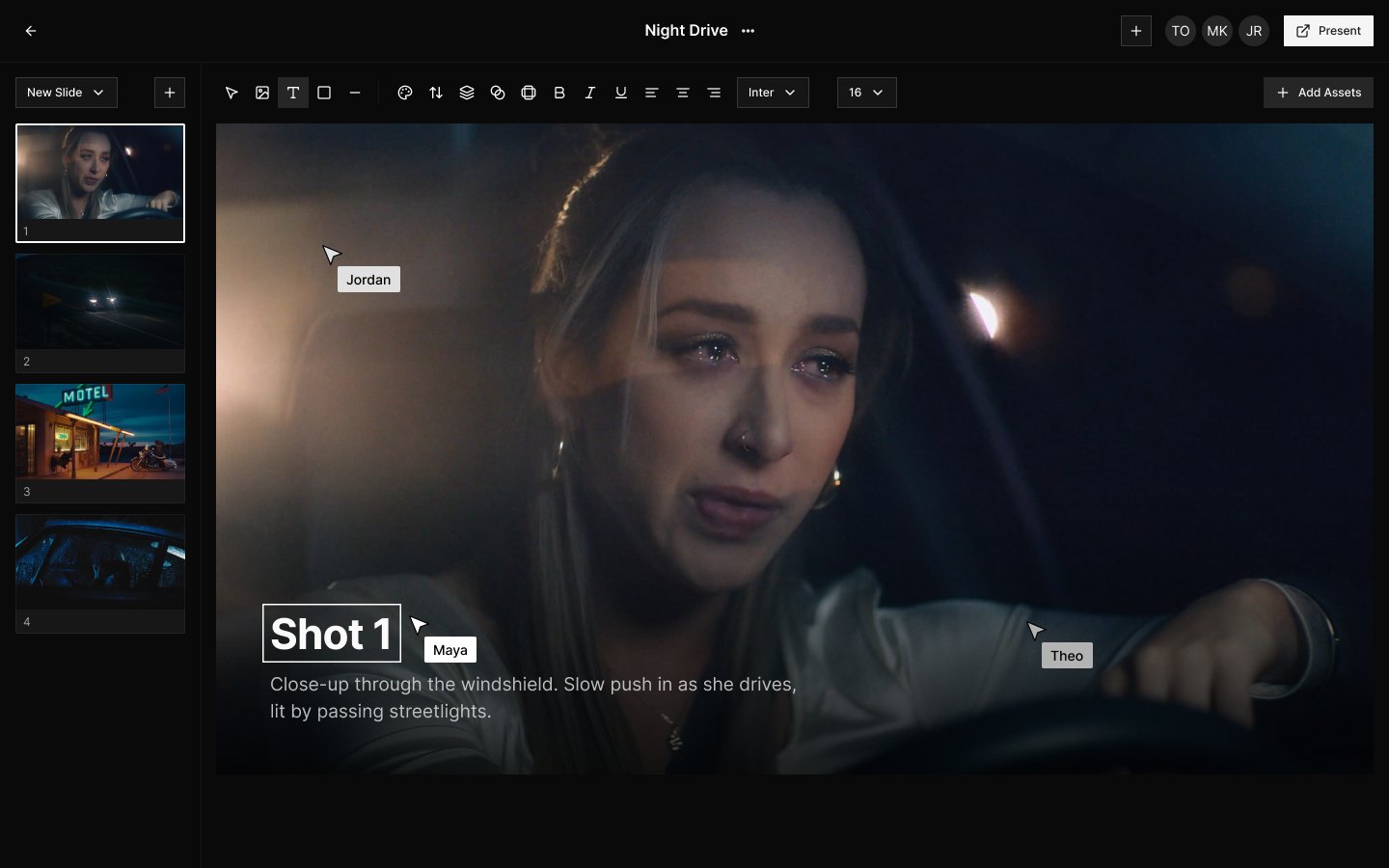
Most people know the Treatment editor in Frame Set for Treatments. It works just as well for shot lists, and plenty of filmmakers already use it that way. Here is how to build one.
Start a Treatment from scratch
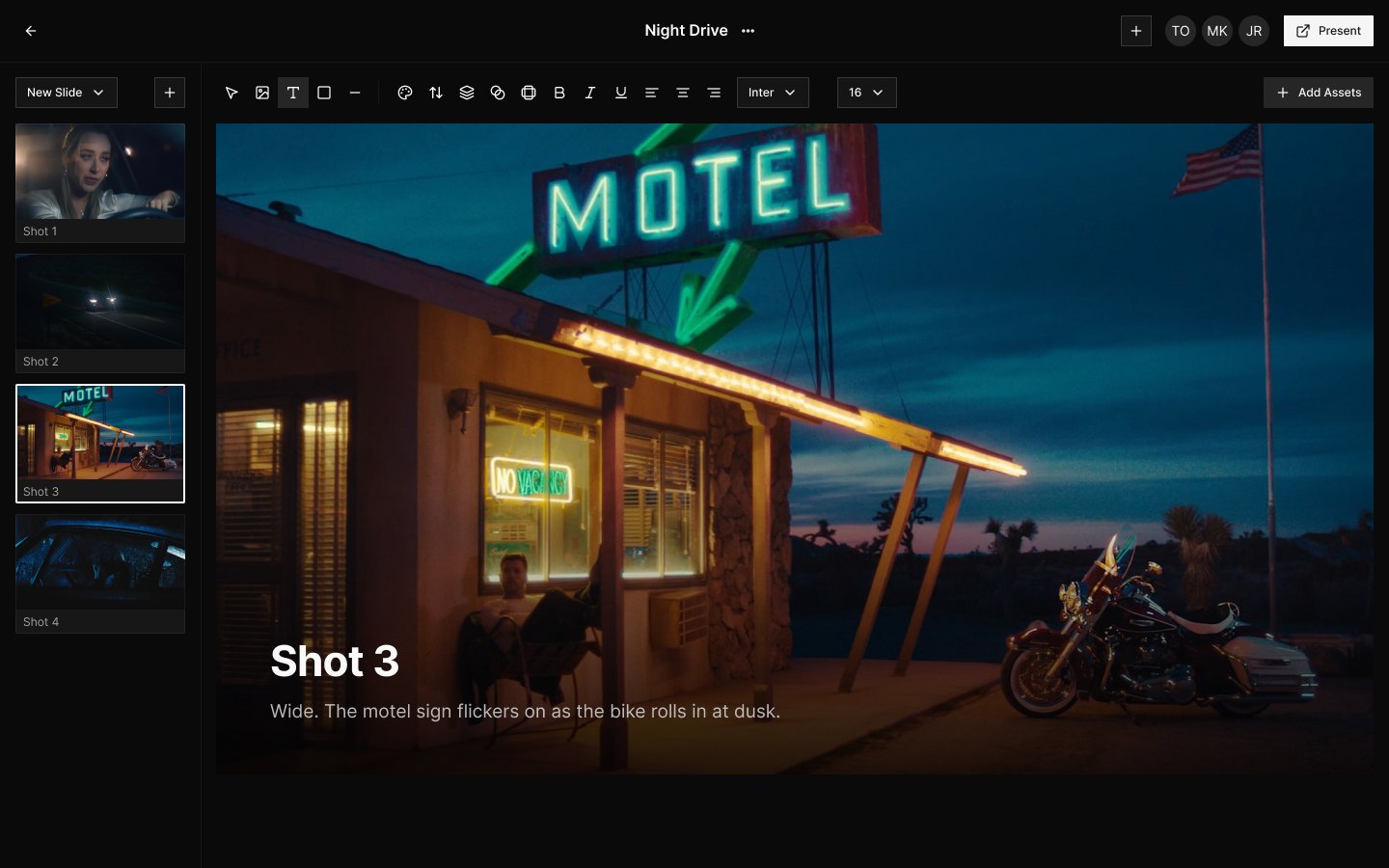
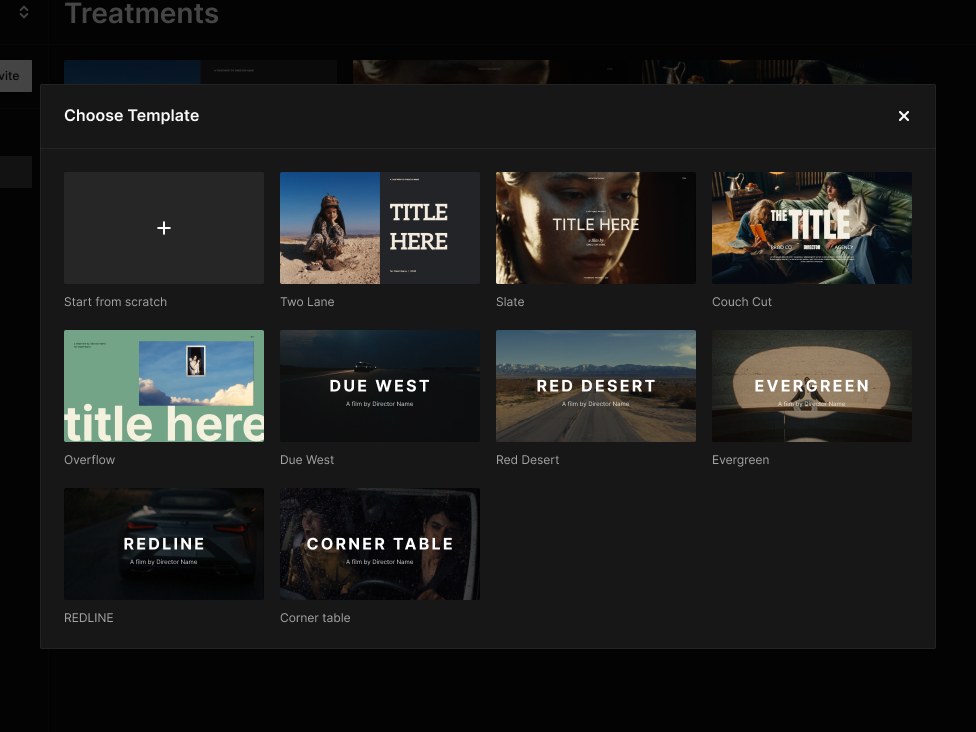
Open Treatments and pick Start from scratch. Skip the Templates here: for a shot list you want a clean page for every shot.
Search without leaving the Treatment
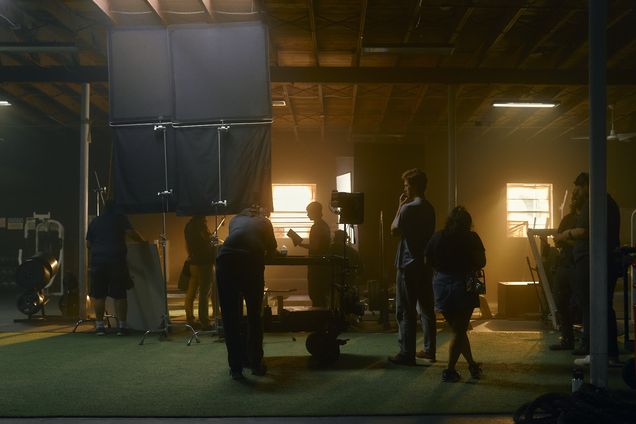
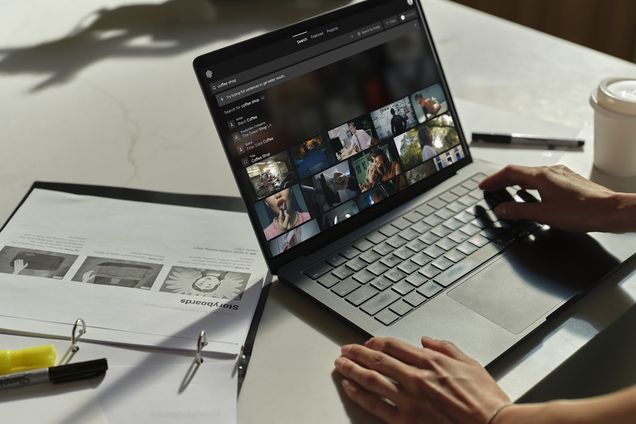
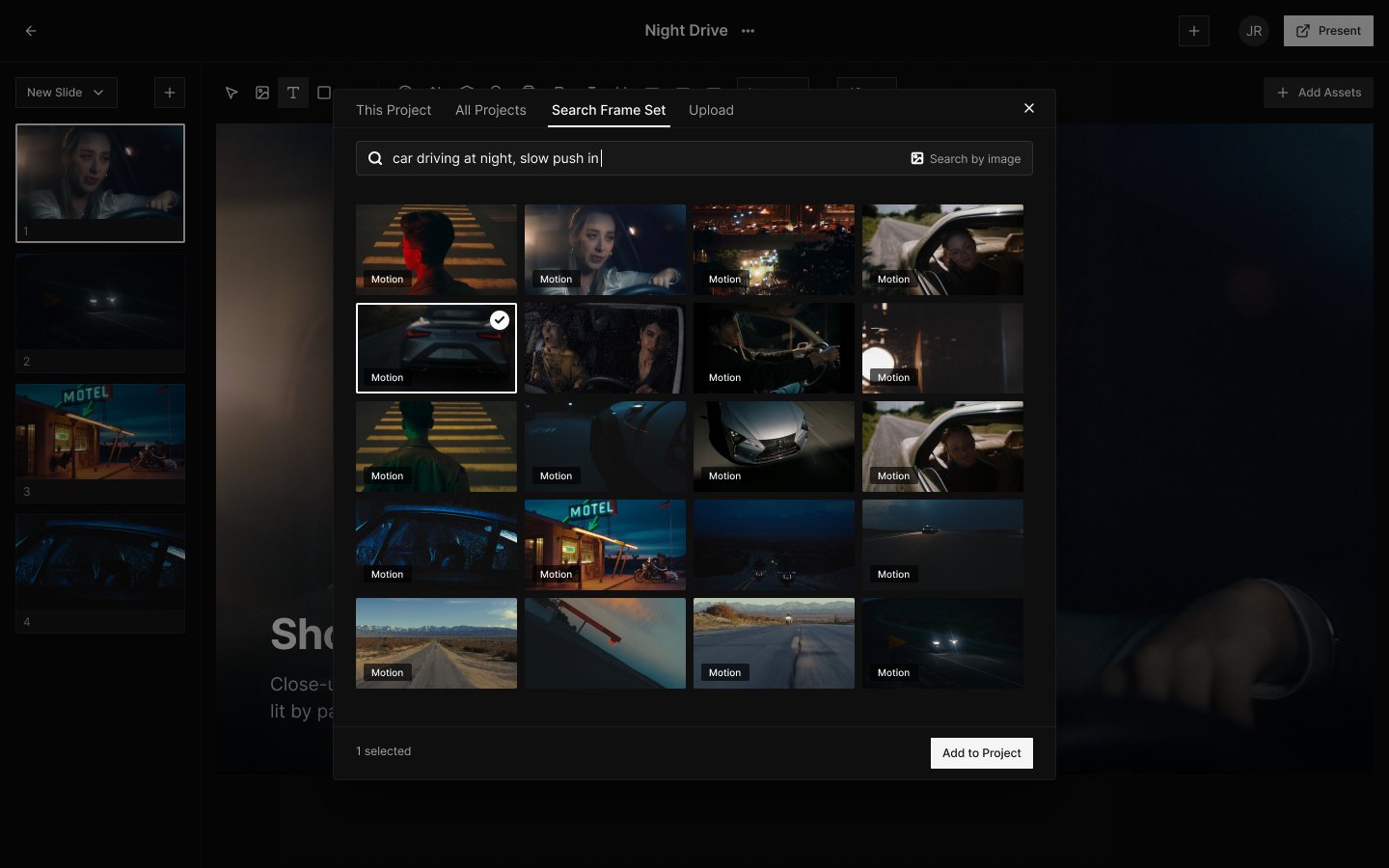
Click Add Assets, choose Search Frame Set and describe the shot in plain words. Frames and Motions both come back, so pull the one that fits onto the page. One page, one shot.
Use Motions, not just stills
A still shows the frame. A Motion shows the shot: the camera move, the timing, the performance. Your crew sees how it plays, not just how it looks.

Upload your own
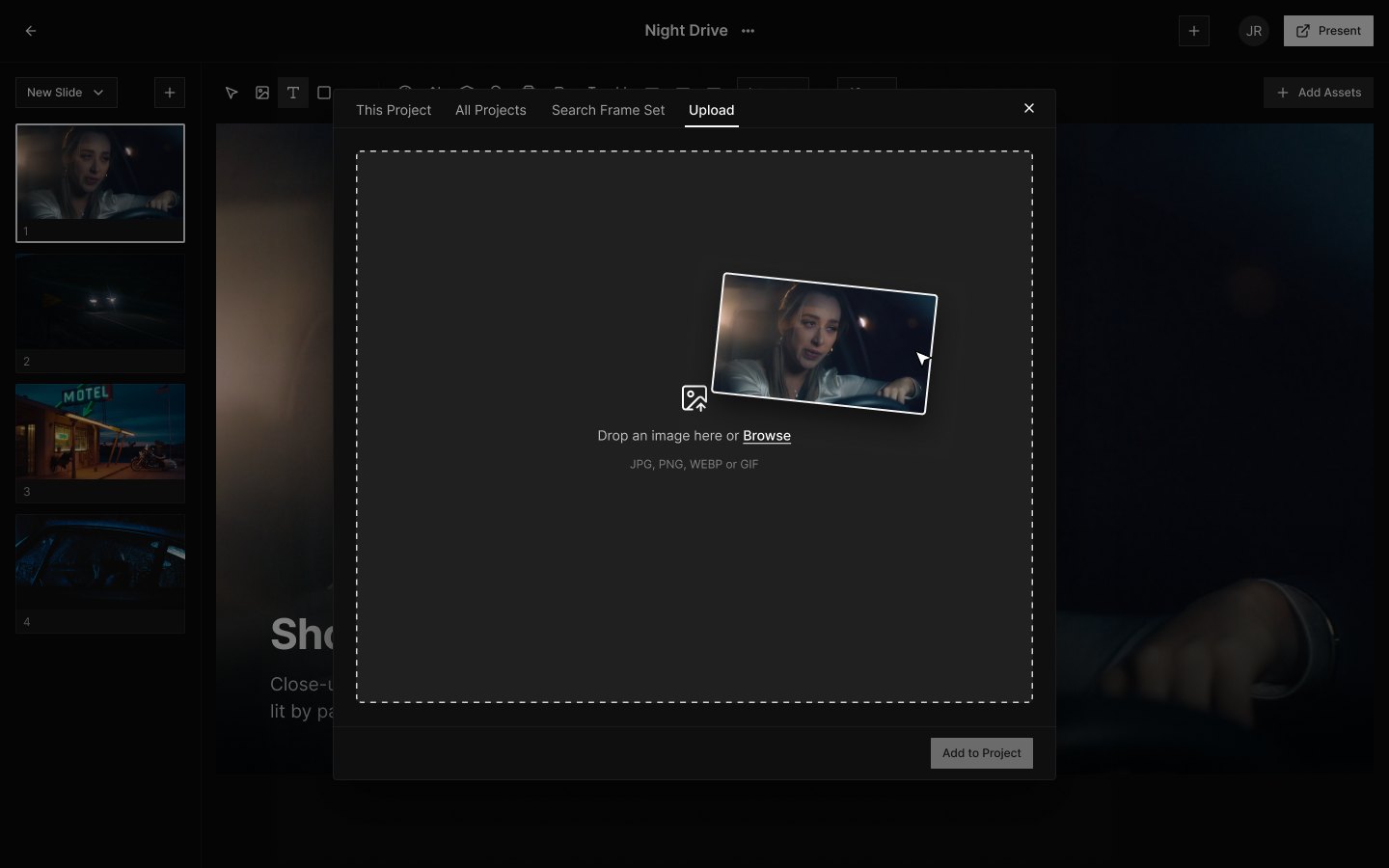
Location scouts, frame grabs, test shots: drag them into the Upload tab of the same asset browser and drop them onto any page.
Share it with your crew
Invite your crew and build the shot list together, live. Send one link and every Motion plays right in the shot list.