

Five steps to a storyboard
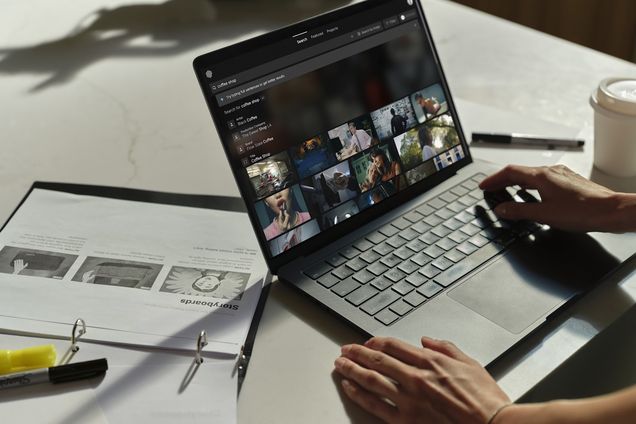
Search shot by shot
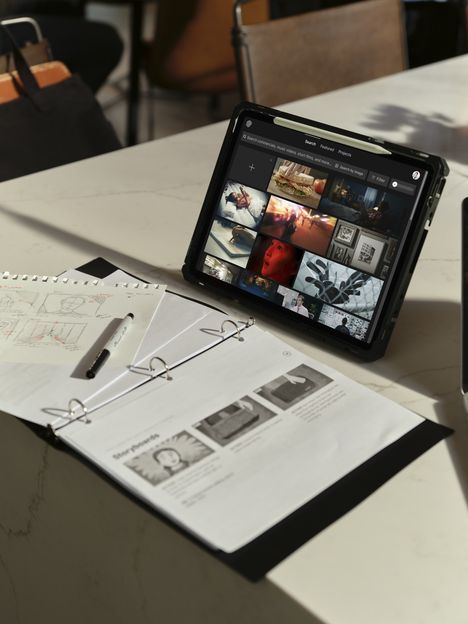
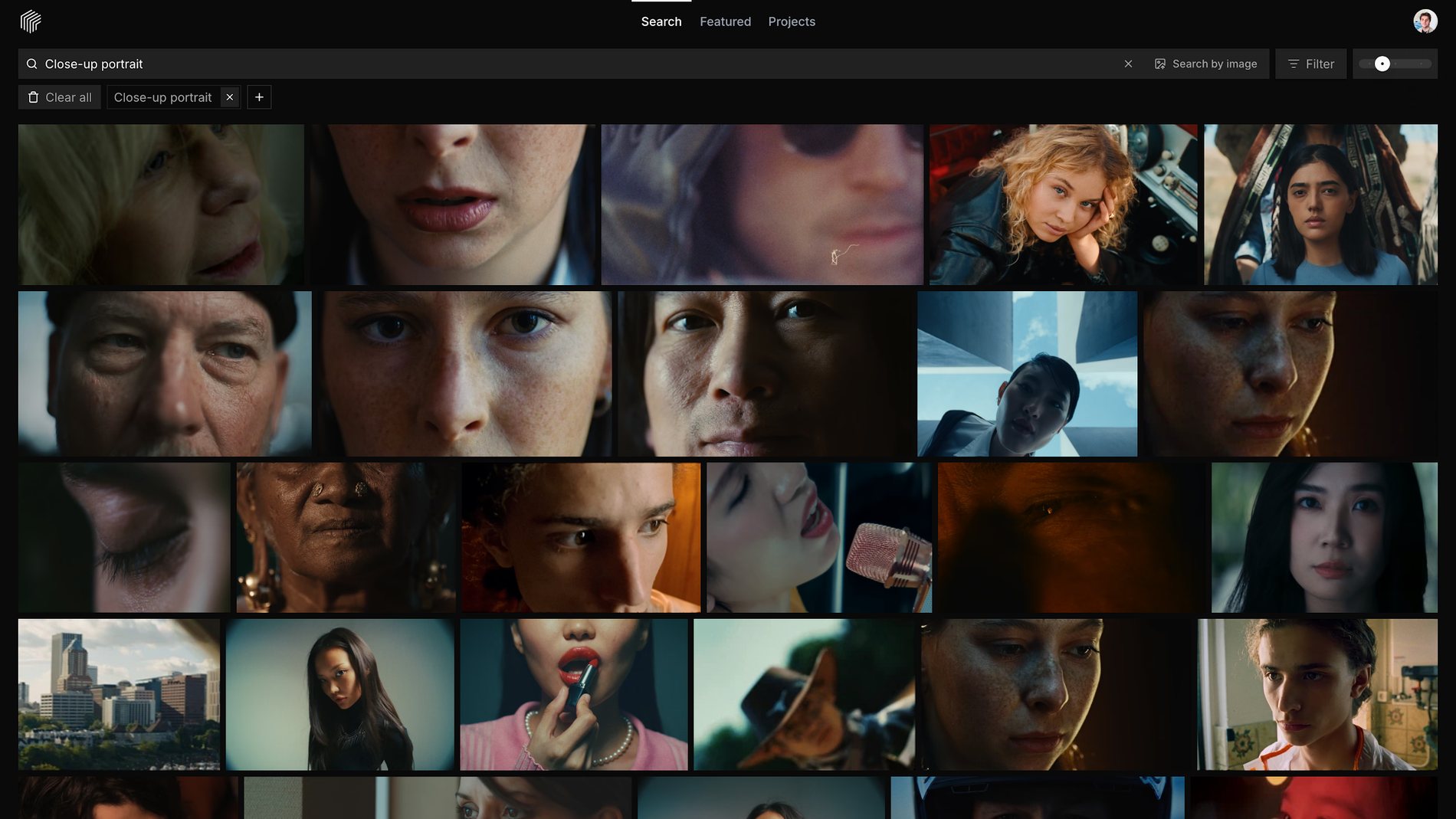
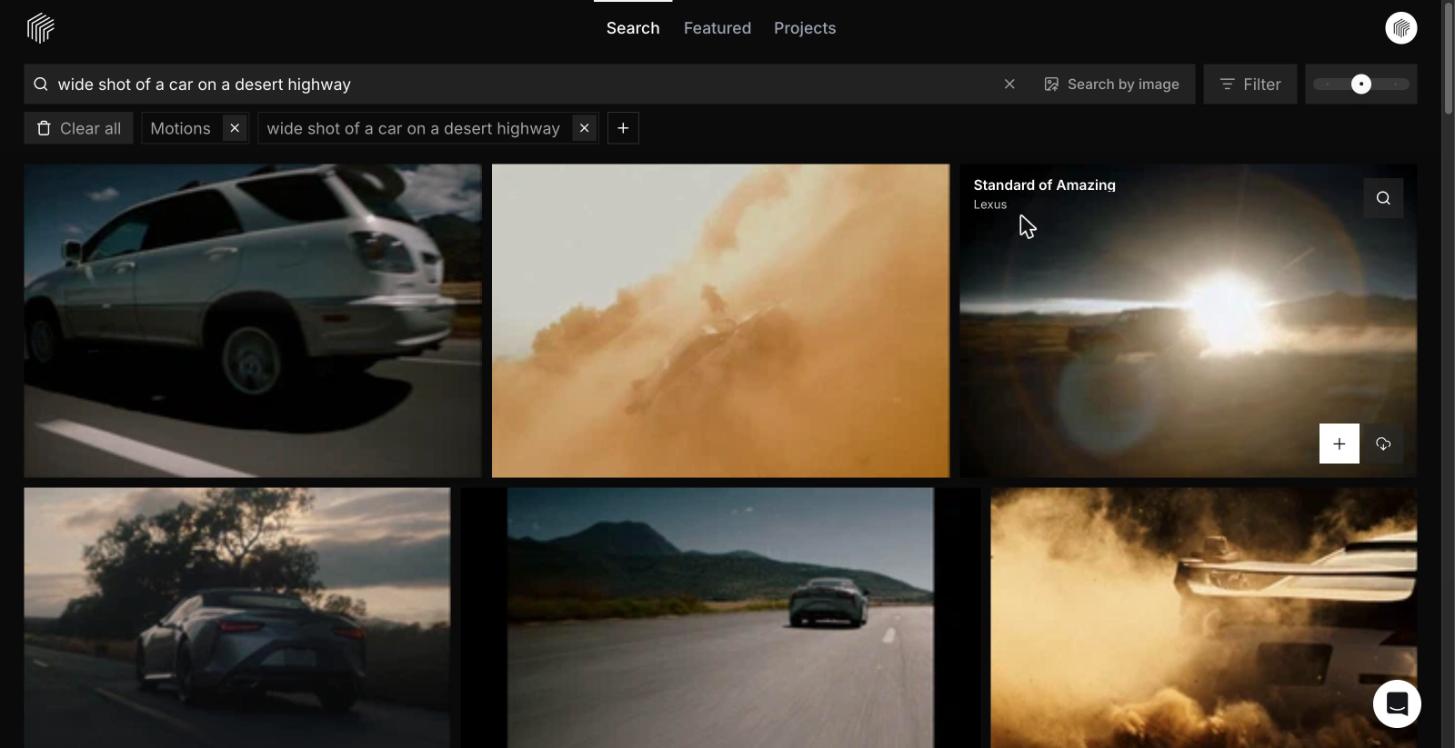
A board is a sequence of shot sizes, so search that way. Pull a close up of a woman looking out a window, then a medium shot of two people talking in a kitchen, then a wide shot of a car on a desert highway. Each one becomes a panel.
Turn Motions on
In your filters, include Motions alongside Frames. A camera move or performance beat adds depth a still can’t, and shows you how the board will actually play.
Save everything to a Set
Sets are project folders for the Frames and Motions you save. Hover any result, hit plus, and keep searching. The board collects itself as you go.
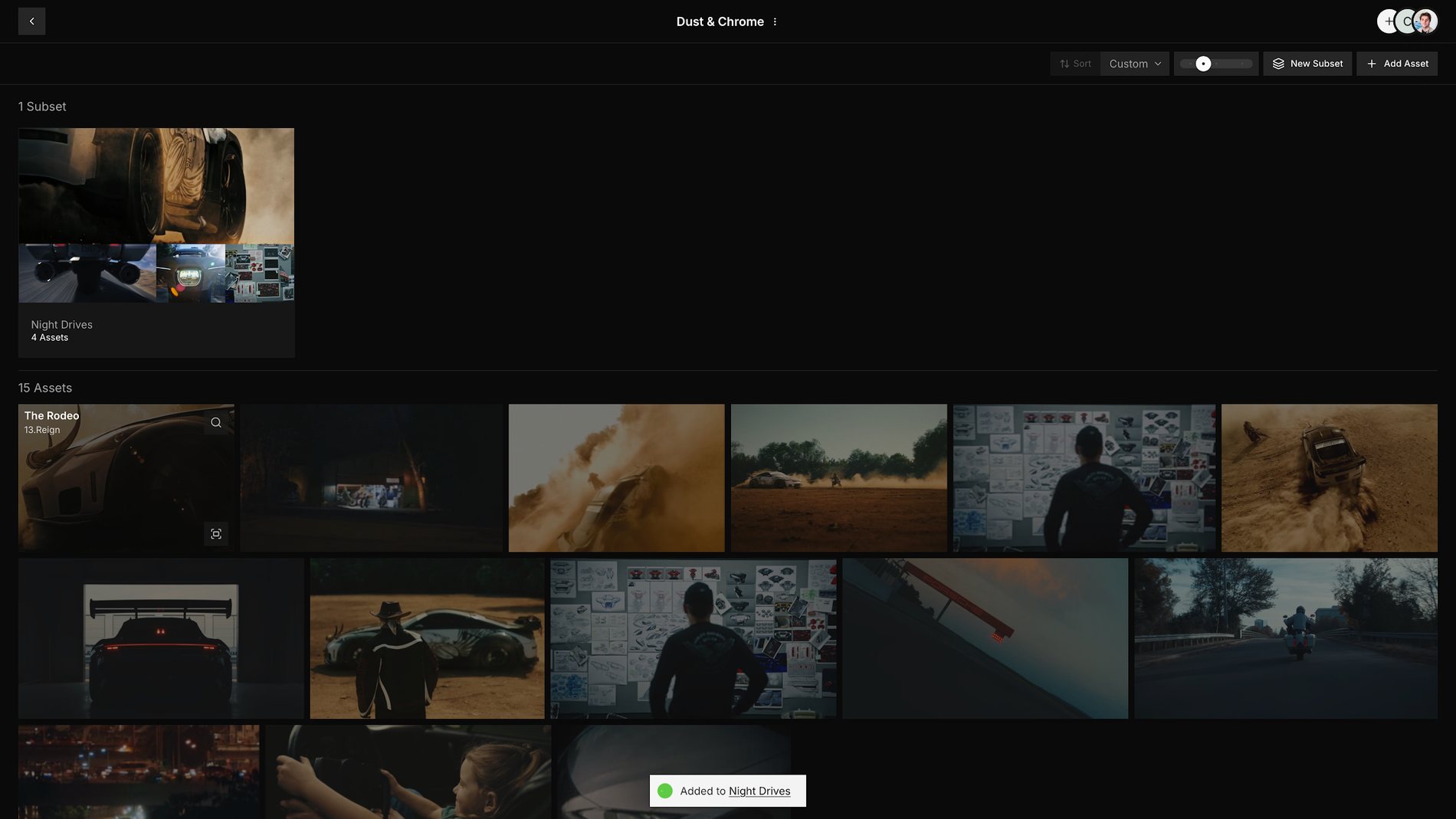
Arrange it in shooting order
Drag your Frames and Motions until the Set mirrors how the shoot will run, from the opening shot to the last.
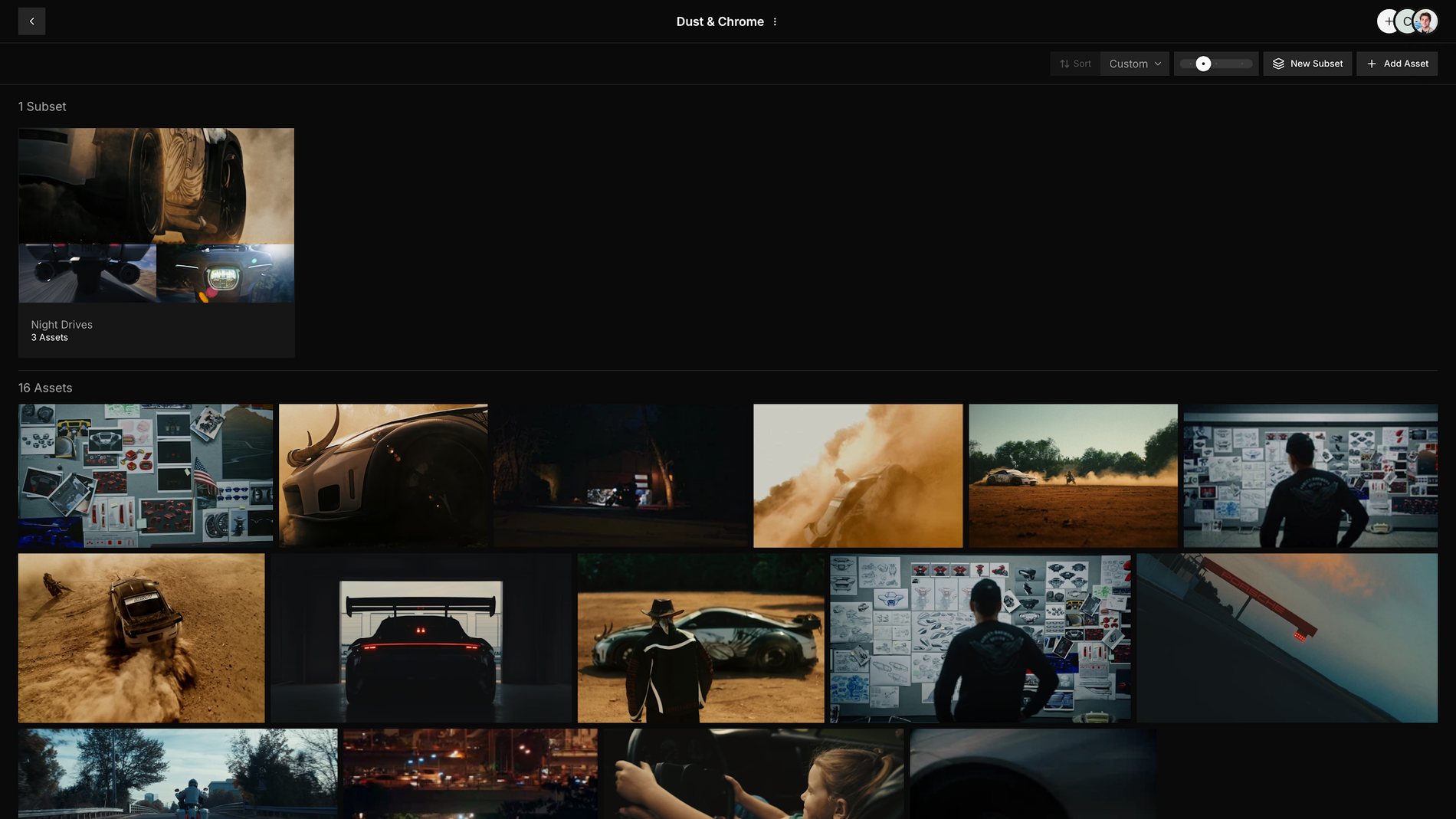
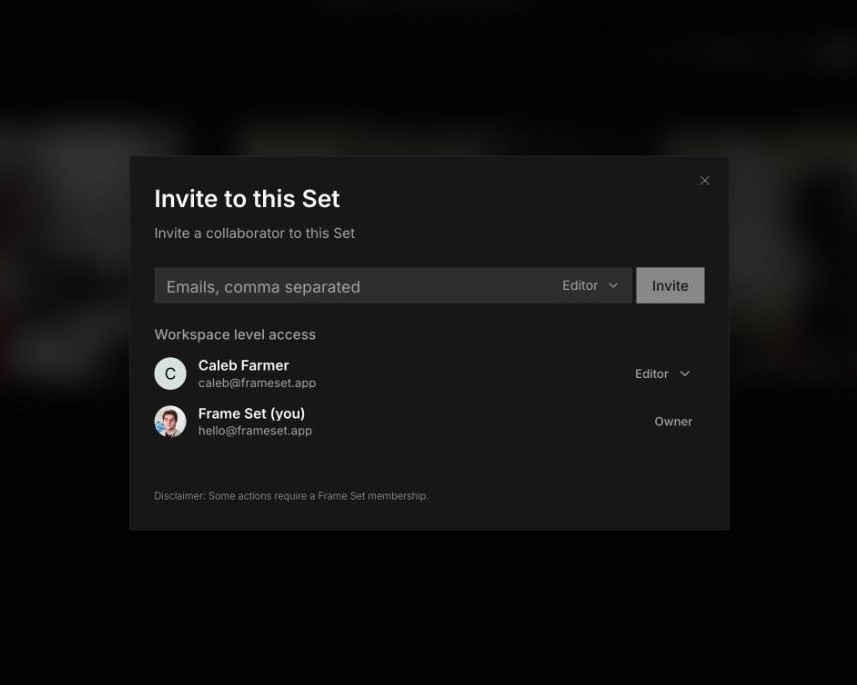
Bring in your team
Add your director, producer, or cinematographer to the Set. They see the order you like and can rearrange it with you.