



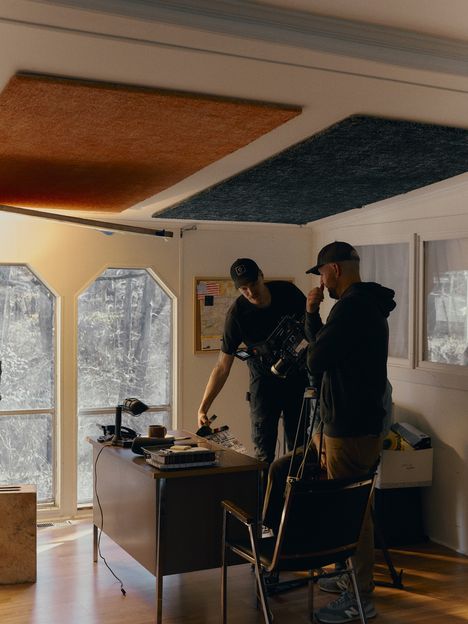
How to create a Treatment with Frame Set

Search the references, write the copy, build the Slides, and Present. All in one place.

Free to start. No card required.

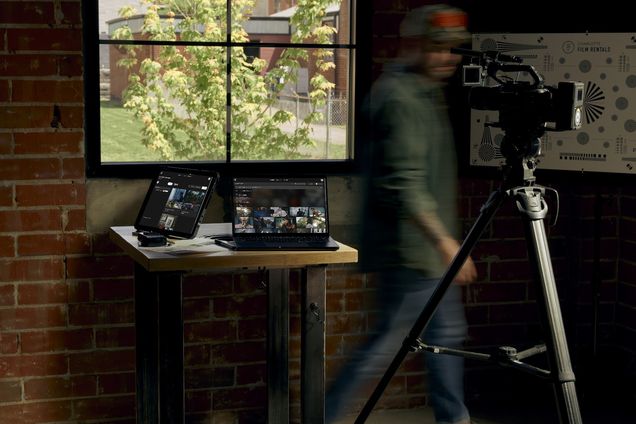
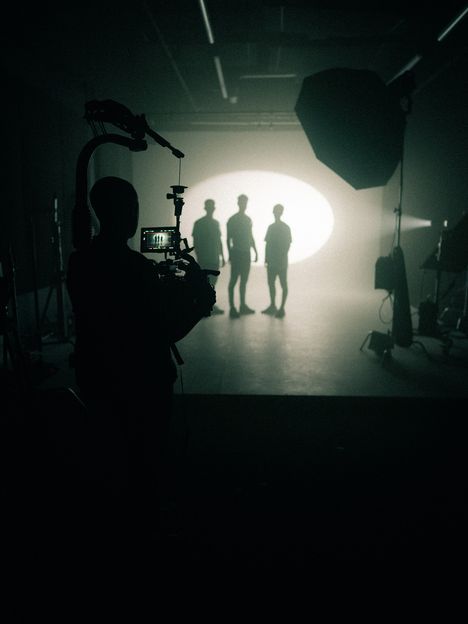
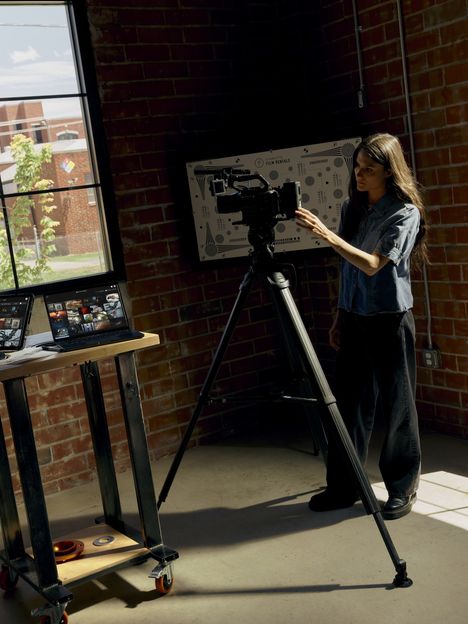
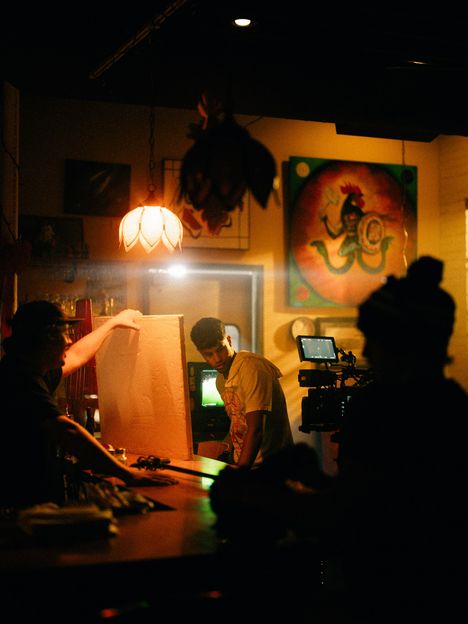
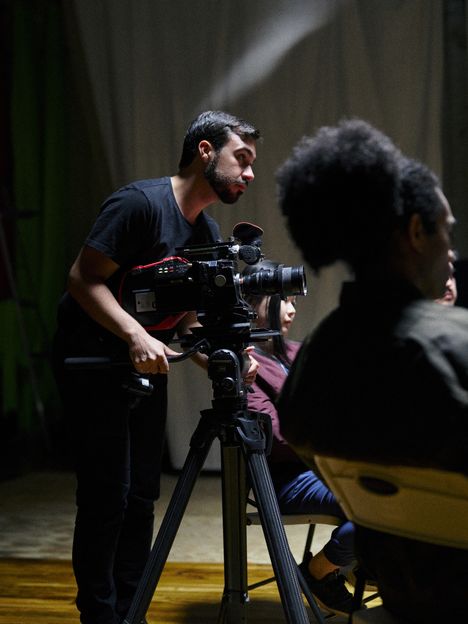
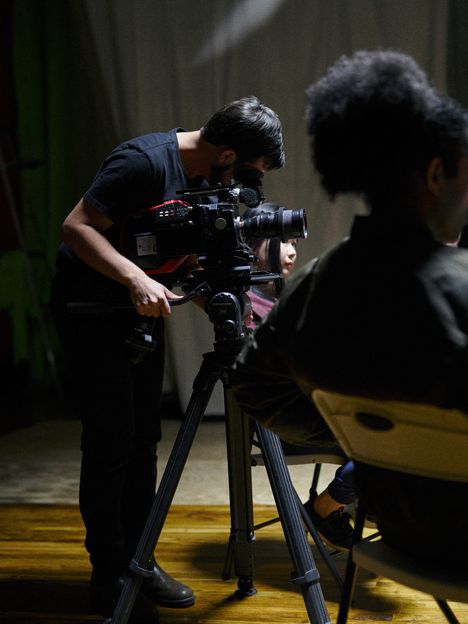
Three crew members huddle around a monitor on a night shootA figure walking past monitors and a camera in a brick studioCrew silhouettes stand in front of a large backlight on a dark stageA filmmaker adjusting a cinema camera on a tripod in a brick studio
A filmmaker in a cap making notes at a table against a brick wallA crew lights a small warm interior set around a bounce cardA hand drawing storyboard panels on a tablet with a stylusA camera operator frames a shot on a cinema camera while a crew member watches from behind
Two collaborators laughing over a tablet during a prep sessionA camera operator adjusts a cinema camera on a tripod on a small setA filmmaker holding up a printed contact sheet of reference framesTwo crew members set up a camera in a window-lit room during a prep day
01
The process · 01

Seven steps to a treatment

Search a lot

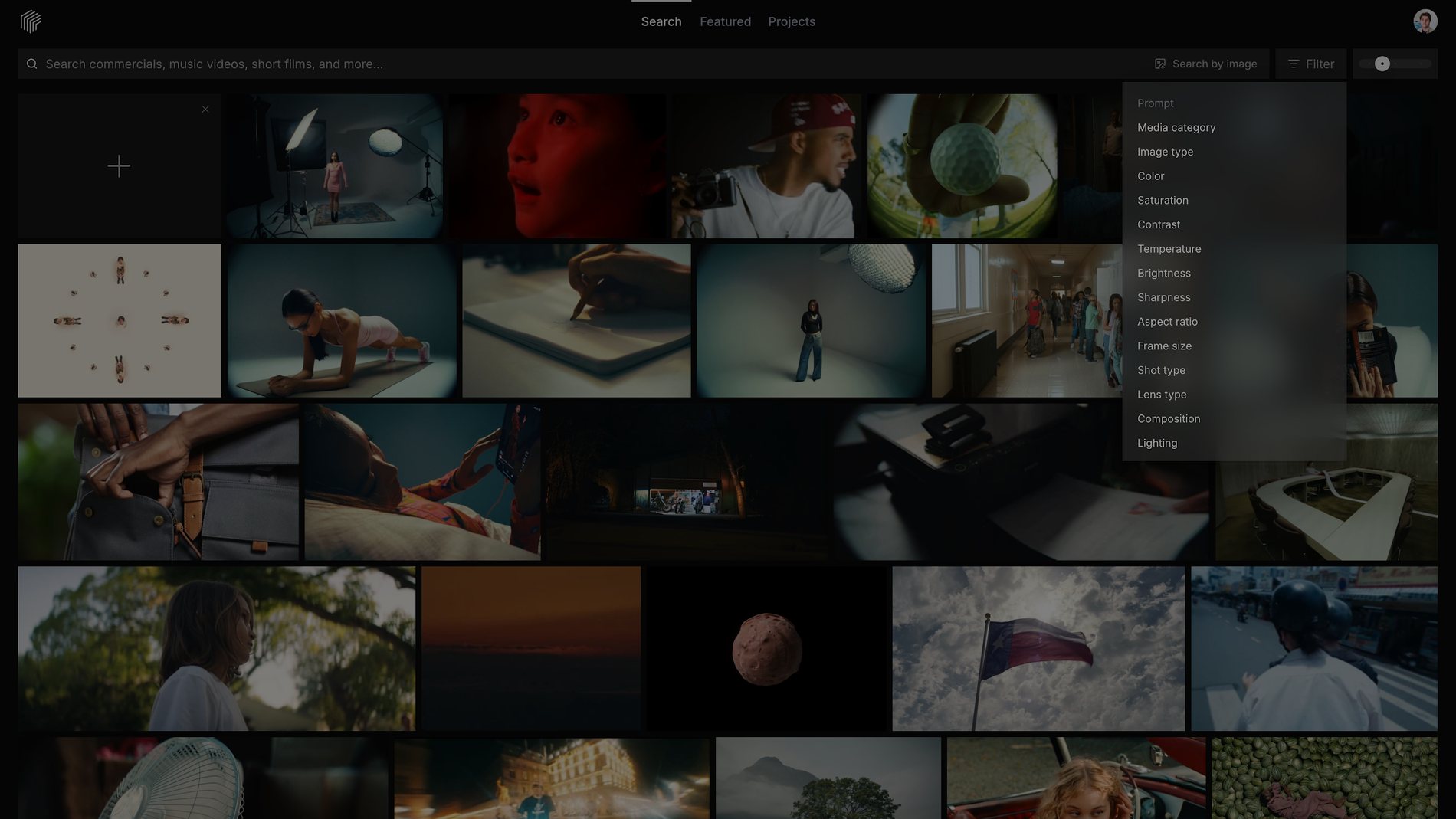
Search with full sentences. Follow a look with Similar Search. Narrow with filters like shot size, lens, and Kelvin. The more ground you cover here, the stronger the pitch.
frameset.app
The Frame Set filter menu open over search results, listing filters for media category, image type, color, temperature, shot type, lens type, and lighting
02
02

Gather what fits the project

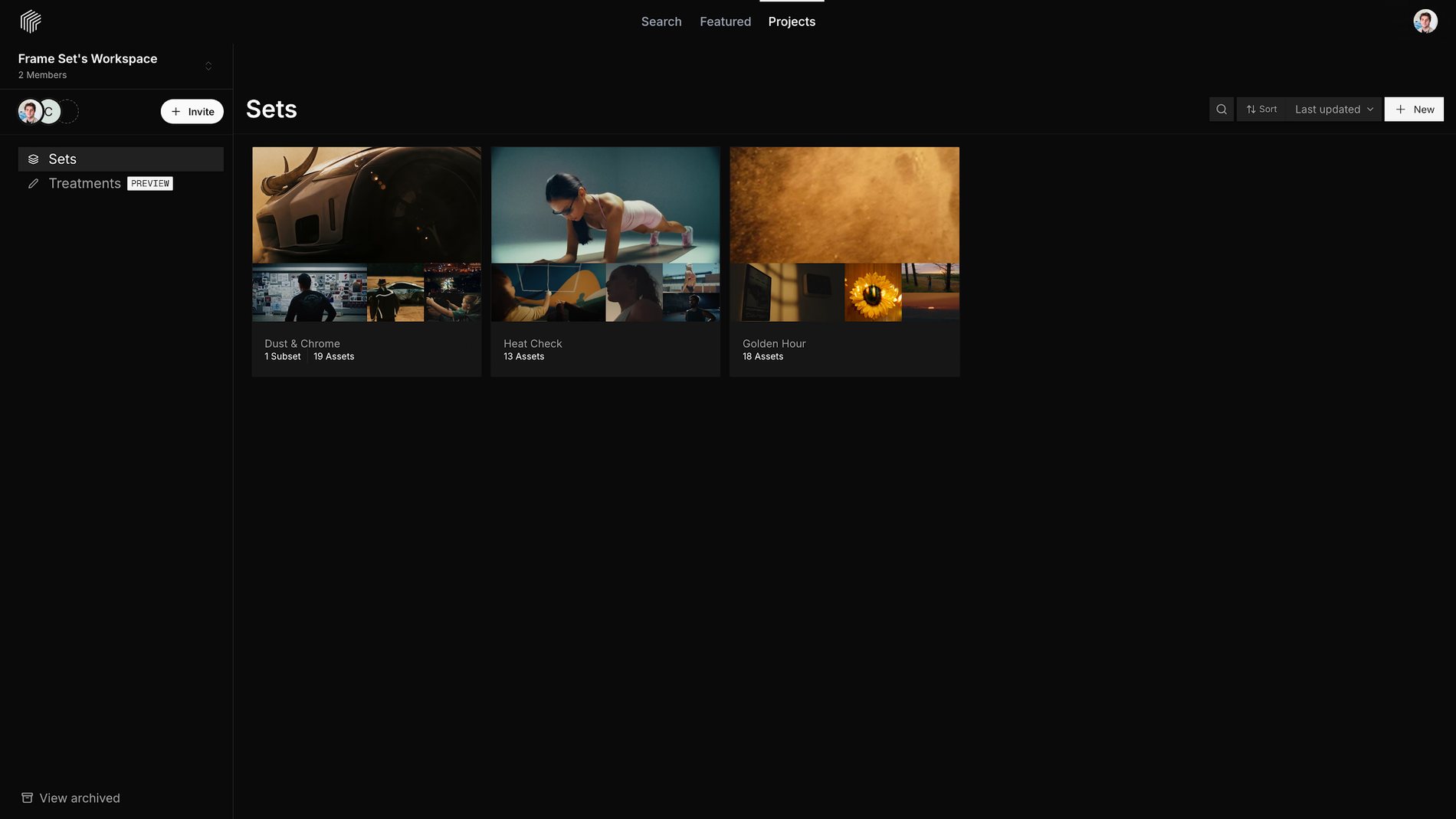
Save every Frame and Motion that belongs in the pitch. Collect them in a Set, or drop them straight into a Treatment.
frameset.app
The Sets list in a Frame Set Workspace, showing three Sets with their cover Frames and asset counts
03
03

Write your copy

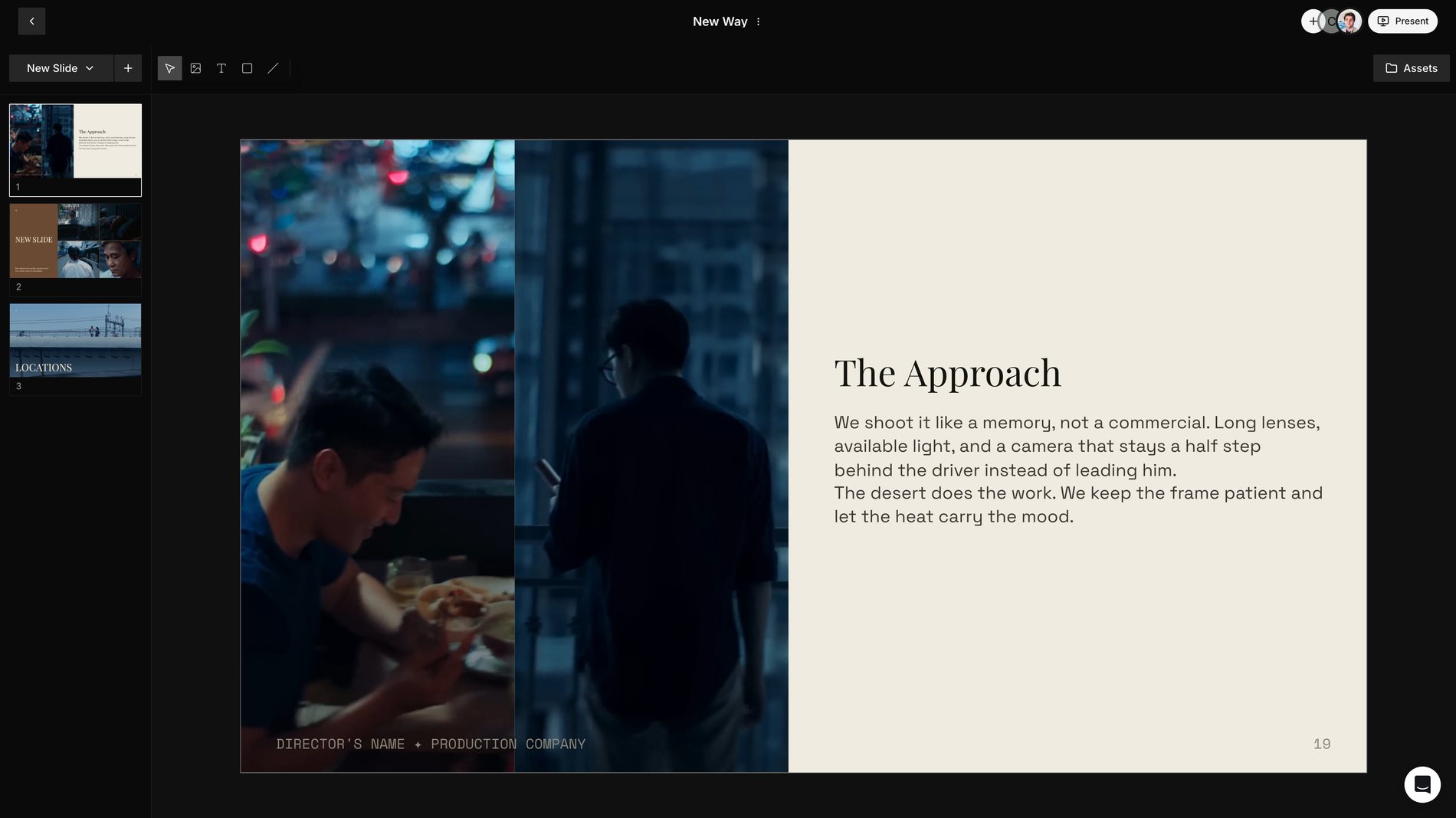
Before you design anything, take the time to write what the treatment needs to say. The concept, the tone, the approach. Assets and words ready before layout.
frameset.app
A Treatment slide open in the Frame Set editor with the concept written out beside two reference Frames
04
04

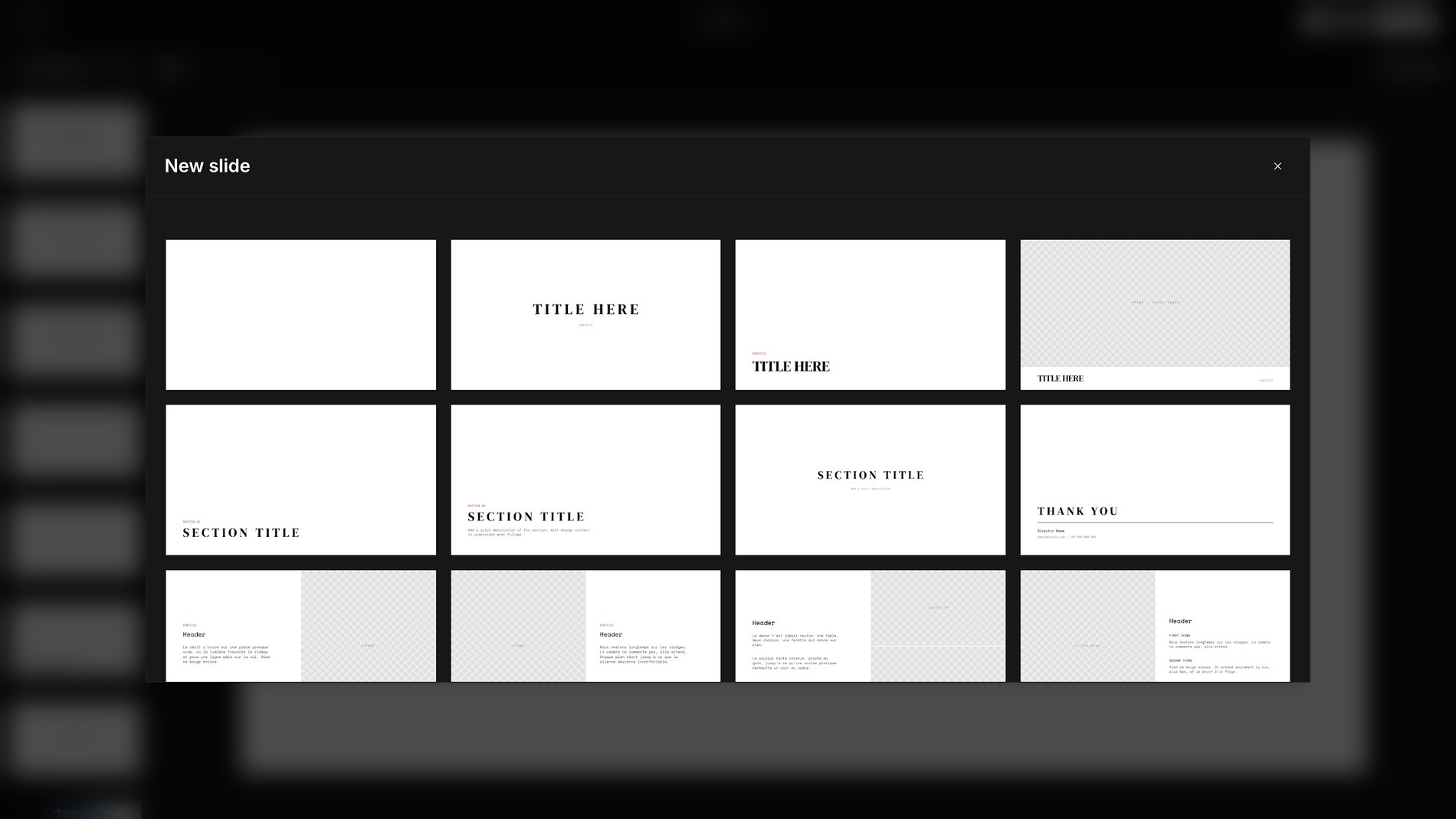
Choose a template

Open the Treatment template designer and pick one that feels right for the project, or start from a blank template.
frameset.app
The New slide dialog in a Frame Set Treatment, showing a grid of slide templates for titles, section headers, and image layouts
05
05

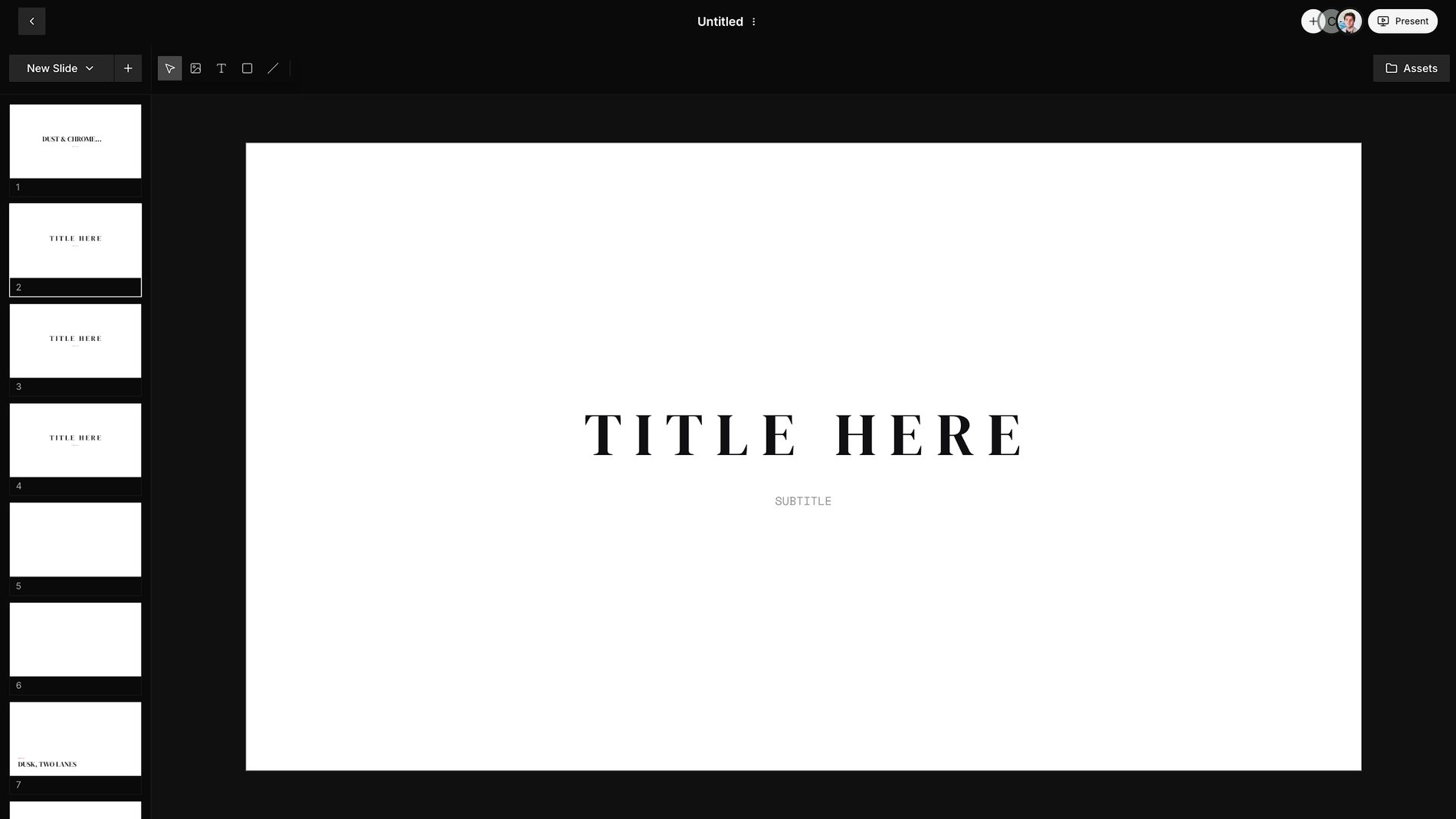
Build the Slides

Add your assets and text to the template Slides. Frames, Motions, and your own uploads sit side by side, and Motions stay Motions.
frameset.app
A Frame Set Treatment open in the editor, with the slide list on the left and a title slide on the canvas
06
06

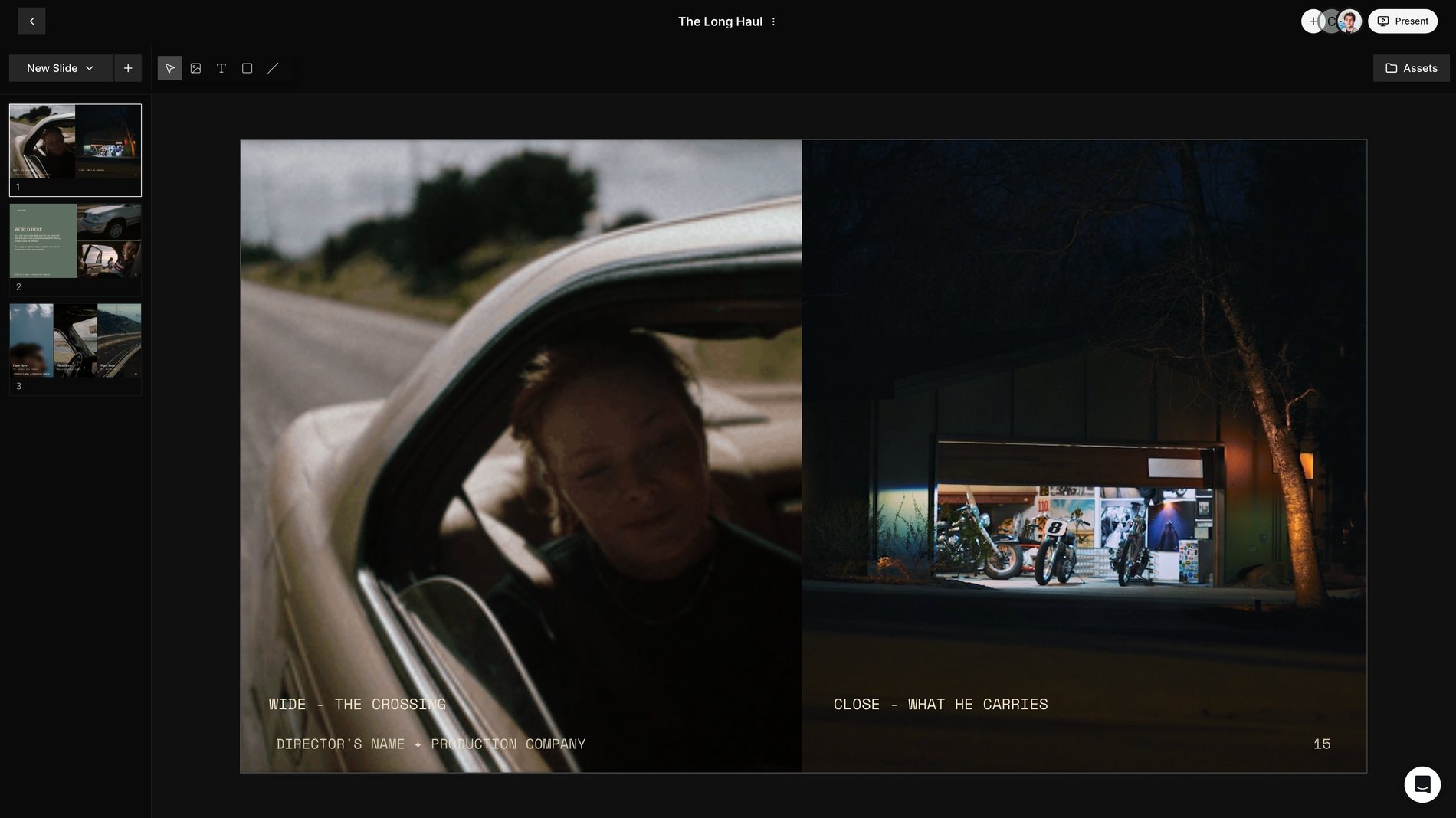
Bring in your team

Add the director, cinematographer, or producer you’re working with to the Treatment and build it together.
frameset.app
A Treatment slide in the Frame Set editor showing two Frames side by side with shot labelsDirectorDP
07
07

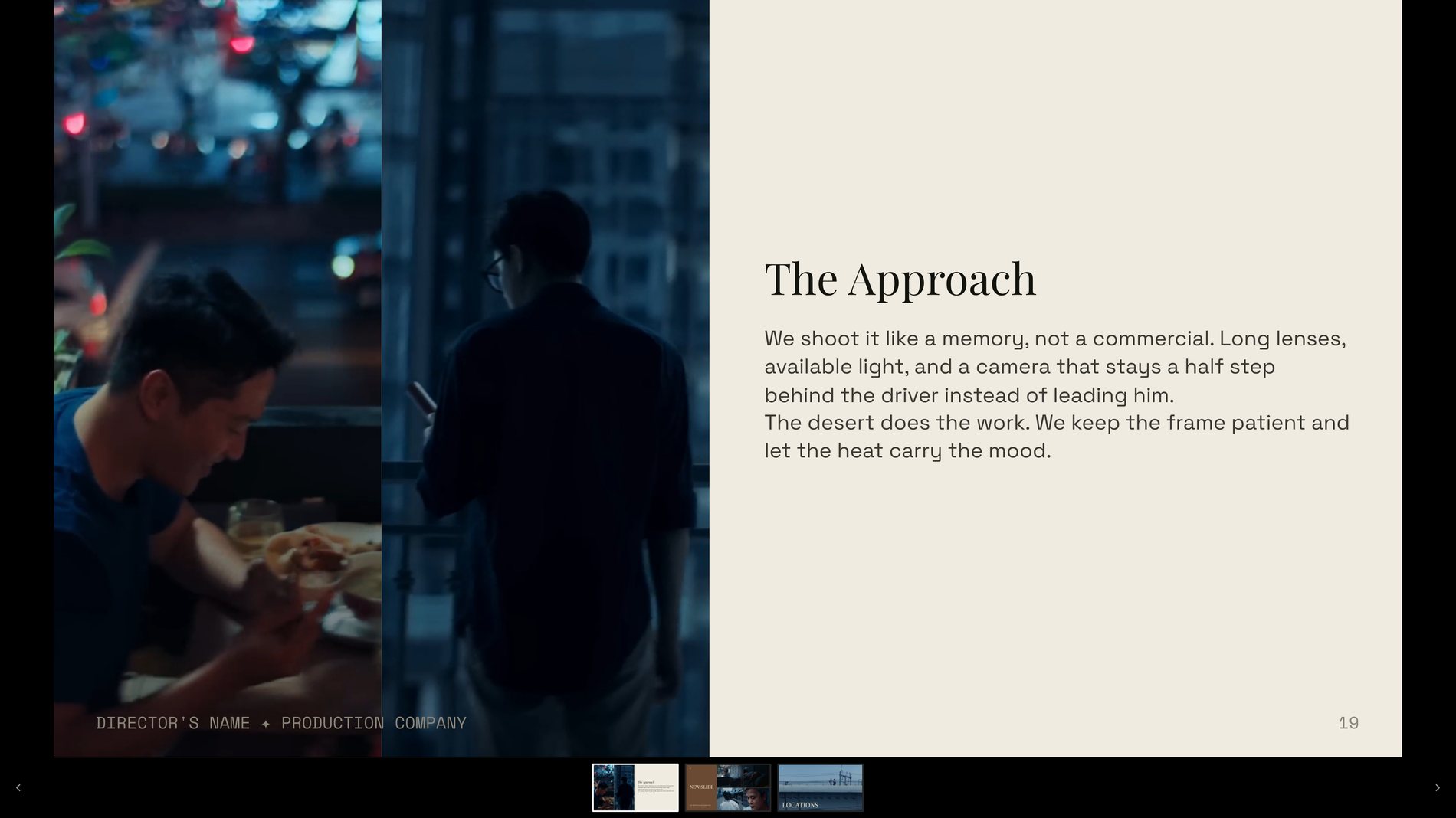
Present it

When the Treatment is complete, Present it as a polished view and share it with the client.
frameset.app
A finished Frame Set Treatment in Present mode, one slide filling the screen above the slide strip
From the Membership

Filmmakers already pitch with this

I love seeing the dedication to quality through image curation and constant feature upgrades.
Bernardo MarentesCreative Director, Caravan
Frame Set has been an invaluable tool in the prep process as a commercial DP.
Alexander RiveraCinematographer
Frame Set has been a great resource for finding references and stylized inspiration for projects I’m working on.
Hannan HussainDirector, Lowerca.se
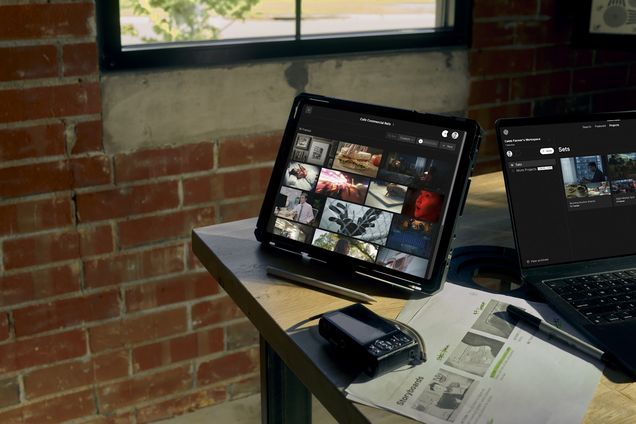
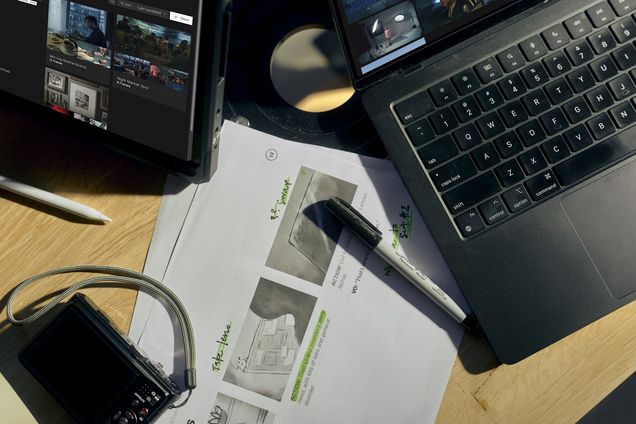
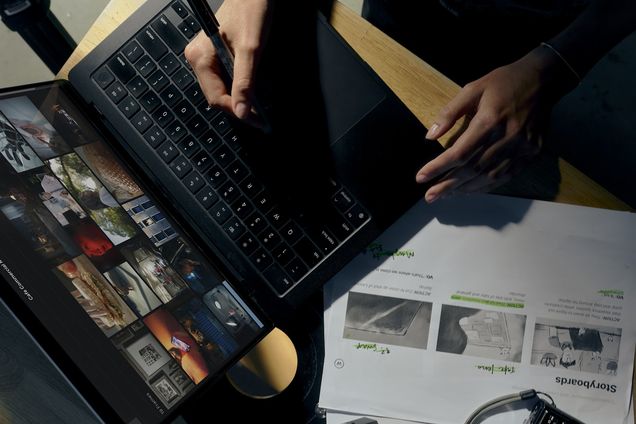
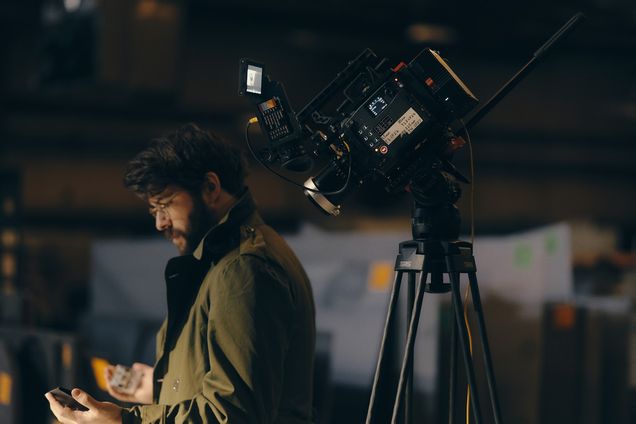
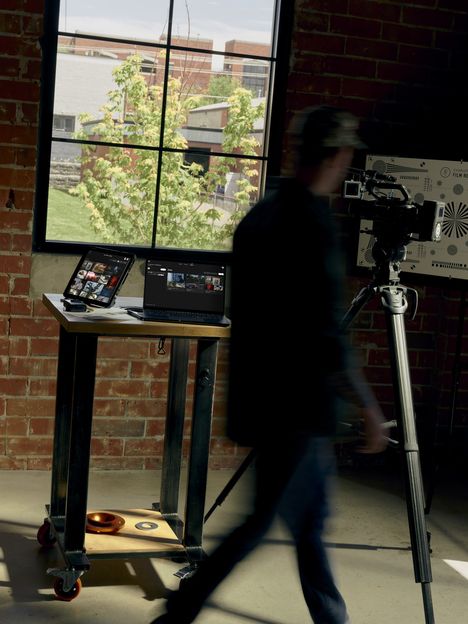
A cinema camera sits on a dolly track at the edge of a lit fieldA standing desk with Frame Set on screen and a figure passing behind itA cinema camera rig with a monitor set up on a night exteriorA tablet showing a Set of Frames on a bench beside printed pagesAn operator holds a camera rig against a white cyclorama wallA laptop running Frame Set under a desk lamp beside headphonesA camera operator works in a warm lamplit interiorHands on a laptop running Frame Set over printed storyboard pagesA filmmaker checks a phone next to a cinema camera on a tripodThree filmmakers around a table with Frame Set open on a tablet

Start your next treatment

Free to start → frameset.app

Free Members get one Set. Pro unlocks unlimited Sets, Subsets, and Workspaces.